
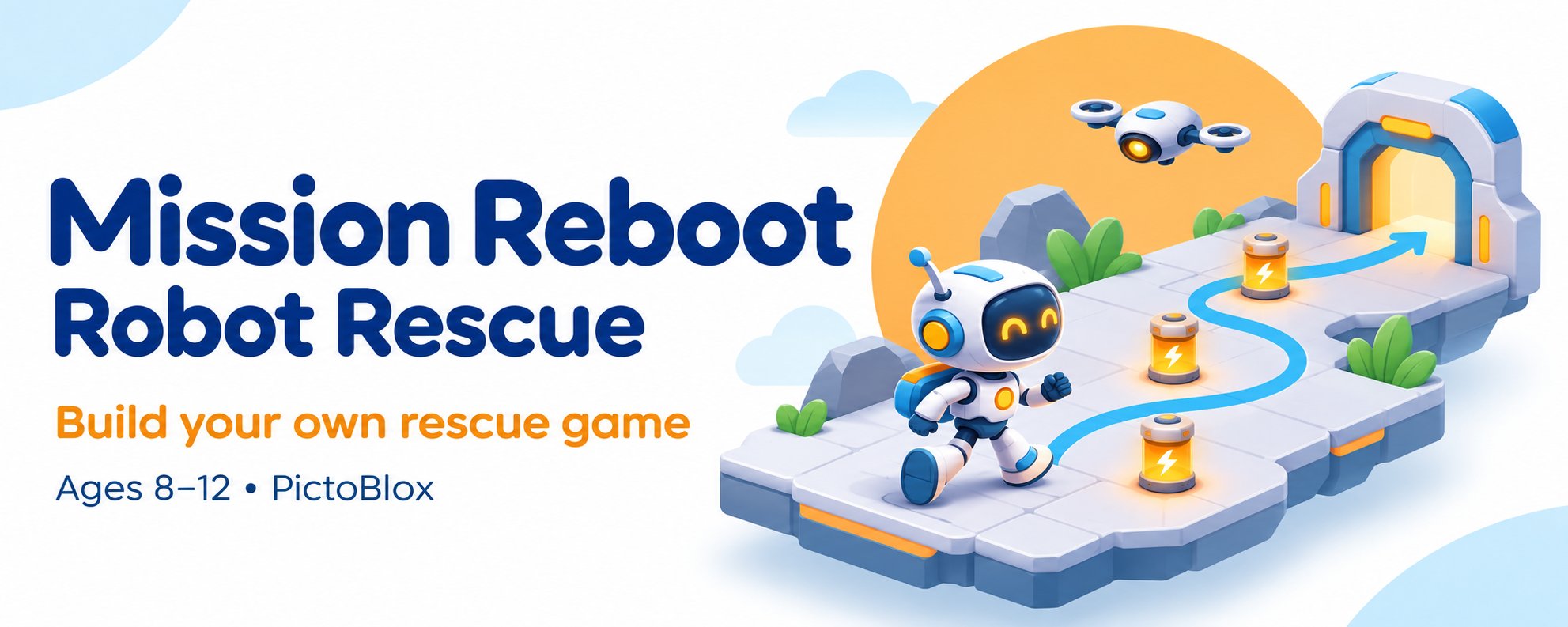
Mission Reboot — Build a Robot Rescue Game
Code the mission. Outsmart the hazards. Bring your robot home.
Opens in your child’s learner account once paid
Lifetime access — revisit any step, any time
Pay by M-Pesa, bank or cash after checkout
Buying for a school or club? Get a class-set quote
6
things to build
8–12
years old
Intermediate
level
What your child will build
Accept the mission
Plan the rescue station, choose a robot, and program movement.
Power up
Add energy cells and a collection counter.
Danger patrol
Program a moving drone, collisions, and lives.
Beat the clock
Add the timer, locked exit, and game outcomes.
Make it yours
Design an original layout and add a difficulty feature.
Test and launch
Invite a playtester, fix problems, and demonstrate the game.
About this project
A rescue robot is stranded inside a damaged research station. The player must collect three energy cells, avoid security drones, and reach the exit before time runs out. The learner becomes the game designer: they choose the station layout, create the rules, program the characters, and adjust the difficulty after someone plays.
What you get
Lifetime access for one learner
Theirs to come back to — redo a step or show it off any time.
6 things to build and show
Accept the mission · Power up · Danger patrol · Beat the clock · Make it yours · Test and launch
In their Digifunzi learner account
It opens there as soon as your payment is confirmed.
After you buy
No waiting for a class to start — they can begin the same day.
Buy it
Add it to your cart and check out. You say which child it’s for — their Digifunzi login, or make one for them there and then.
Pay, and it opens
Pay the way that suits you. As soon as your payment is confirmed, the project opens in your child’s learner account.
They build, step by step
At their own pace, each step ending with something that works — and it’s theirs to come back to for life.
Questions parents ask
It’s written for ages 8–12. Younger children can do it with a little help from an adult; older ones can race through and add their own ideas.
A computer or laptop with internet. Nothing else to buy.
At checkout you say which child it’s for: type their Digifunzi username, or choose a username and password for them there and then. It opens in their learner account as soon as your payment is confirmed, and you follow along from your parent account.
Each purchase is for one learner, so their progress and work stay their own. Buying for a class or a club? Ask us for a class-set price.
Message our team on WhatsApp — real people who teach these projects in our classes.
Mission Reboot — Build a Robot Rescue Game
Ksh 2,500
Keep exploring
More from the store

Buying projects for a class?
Tell us how many learners you have — we'll put together a classroom licence quote.